The Master Key in Your Pocket: Locking Down a Prepaid Number Against SIM Swaps
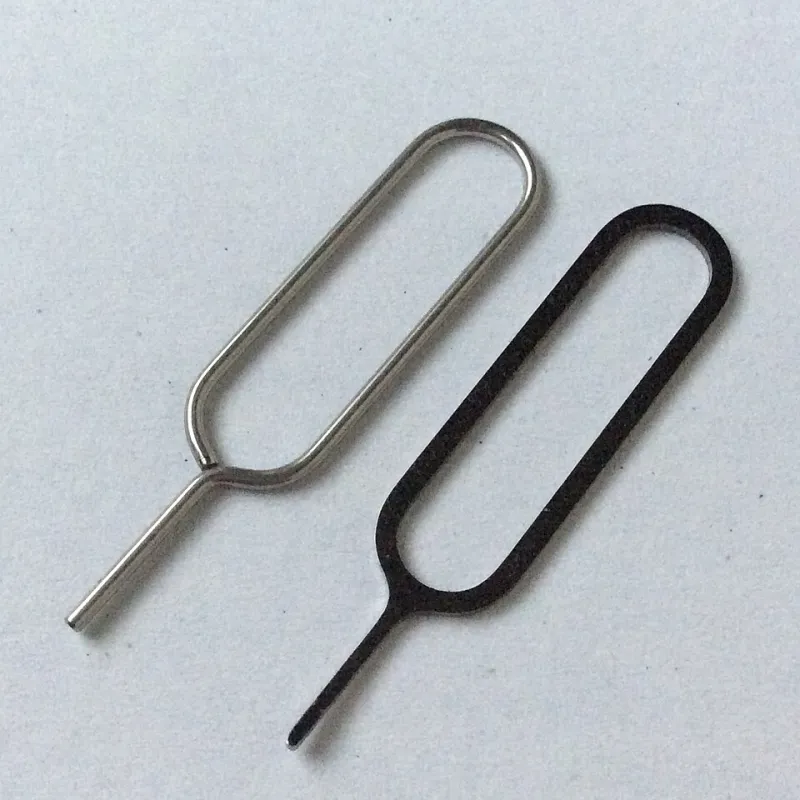
Photo: Punkt64, CC BY-SA 4.0, via Wikimedia Commons
Most of us treat a lost handset as the disaster. The bigger risk is subtler: losing control of the number inside it. On prepaid, it is easy to assume you are flying under the radar. No direct debit, no contract, no fuss. But your number is still the thing that receives bank codes, resets email passwords and confirms who you are to WhatsApp, Instagram and a dozen other services. If someone else gets that number, they do not need your phone at all.
A SIM swap is exactly that trick. A fraudster persuades a network to issue a replacement SIM or eSIM, usually by impersonating you. Your phone loses service. Their phone starts collecting your texts. By the time you notice the signal has vanished, they may already be resetting passwords. The good news is that prepaid users can make themselves a much harder target with a few sensible checks — and a bit of polite persistence with customer service.
Why prepaid numbers get overlooked
Pay-as-you-go accounts have traditionally felt lower-stakes. You top up, you use it, you move on. That is fine until the number becomes the recovery route for everything else. Many banks still fall back on SMS one-time passcodes. Email providers may use a text to confirm a password reset. Even your voicemail can hold useful information. A prepaid number is not a throwaway if it is attached to your real life.
The direction of travel in 2026 is more verification, not less. UK networks have tightened up SIM replacement checks, but the experience still varies between the big four and the smaller MVNOs. Do not assume your operator has every protection switched on by default. Ask.
Start with the network account, not the handset
Your handset PIN stops someone scrolling through your photos. It does nothing to stop a SIM swap. What matters is the security on your network account itself.
Ask your operator whether you can set a dedicated account PIN or passcode. This is separate from your voicemail PIN and your phone's lock screen. If they offer one, set it and store it somewhere that is not a note on the phone. Then check your security questions. If the answer to “mother's maiden name” is findable on Facebook, change it to something random and memorable. Use a different email address for your mobile account if you can, and make sure that email has strong two-factor authentication of its own.
For eSIM users, ask specifically about eSIM transfer protection. A remote eSIM swap can happen without anyone visiting a shop, so the account checks matter even more.
Ask for a port freeze — or the closest thing your network offers
In the UK, moving your number to another network usually means requesting a PAC code. That code is powerful. If a fraudster gets it, they can port your number away. Some operators offer a porting lock, switch lock or port freeze that stops a PAC being issued without extra verification. Not every network advertises this, and the name varies. Ask the question plainly: “Can you put a block on my number being ported without my say-so?”
If the answer is no, ask what checks are in place before a PAC is released. Can they send an alert when a PAC is requested? Can they require a call-back to a verified number or an in-store visit? Get the answer in writing if you can — web chat transcript or email. You are not being awkward. You are asking a sensible security question before there is a problem.
Turn on alerts and keep an eye on the account
SIM-swap alerts are not universal, but they are worth asking for. The ideal setup is a text or email when someone requests a SIM replacement, a PAC, or a change to your account details. If your network does not offer automatic alerts, at least make sure your contact email is current and check your account online now and then. A sudden “your SIM has been changed” message is much easier to act on than a silent dead signal.
Also check your voicemail PIN. If it is still 0000 or your birth year, fix that today. Voicemail is another door into your number's identity.
Lock the accounts that rely on your number
This is the part many people skip. Even a perfect network setup cannot protect you if your bank will reset everything with a single text. Where you can, move high-value accounts away from SMS-only two-factor authentication. Use an authenticator app or a passkey for email, banking and social accounts. Keep recovery codes somewhere safe and offline.
You will not be able to remove SMS fallback everywhere. Some banks insist on it. But you can reduce the number of places where a text message is the only key. Start with your email account, because email is usually the master reset for everything else.
The “where has my signal gone?” recovery checklist
If your phone suddenly loses service and a reboot does not fix it, do not spend the day assuming it is a local mast problem. Try your SIM in another handset if you have one. Check the network's status page from Wi-Fi. Then call your operator from a different phone.
Ask them to block the SIM immediately and tell you whether a replacement or PAC request has been made. Change your email password from a trusted device. Check your bank accounts and call your bank if you see anything odd. Tell your contacts that your number may be compromised. Report it to Action Fraud, and keep a note of times, reference numbers and what you were told.
If the number is ported away, ask your network about reclaiming it. It is not always quick, but the sooner you raise it, the better.
What to ask before trouble starts
Keep it simple. Ask your operator: Do you offer an account PIN? Do you have a porting lock or PAC alert? What ID do you require for a SIM replacement in-store or by phone? Can I add extra verification to my account? Do you send alerts for SIM swaps or account changes? Can I set a voicemail PIN that is not guessable?
Write the answers down. If you are on a small MVNO, you may find some features are not available. That is useful to know. It tells you where to concentrate your effort — usually on securing your email and moving your bank away from SMS-only codes.
Your prepaid number is infrastructure, not a disposable accessory. Treat it like the master key it has become, and a SIM swap becomes a lot less convenient for the person trying it.